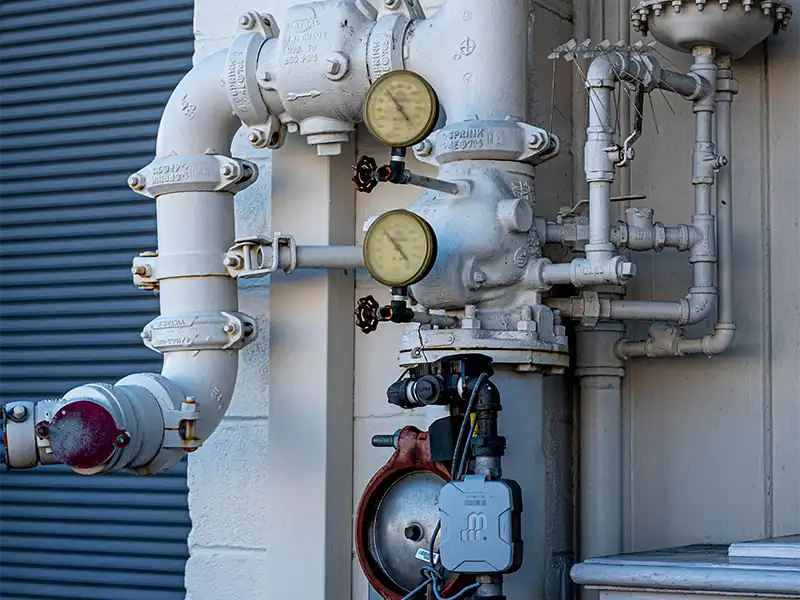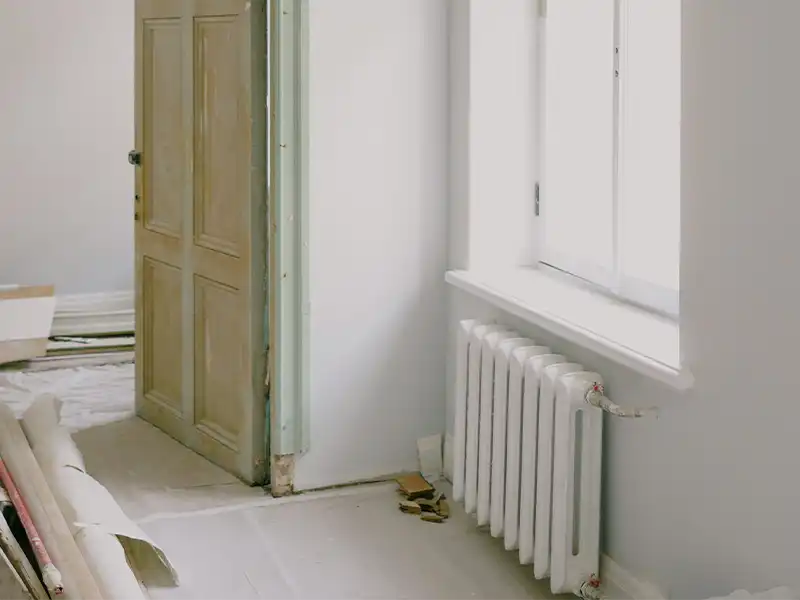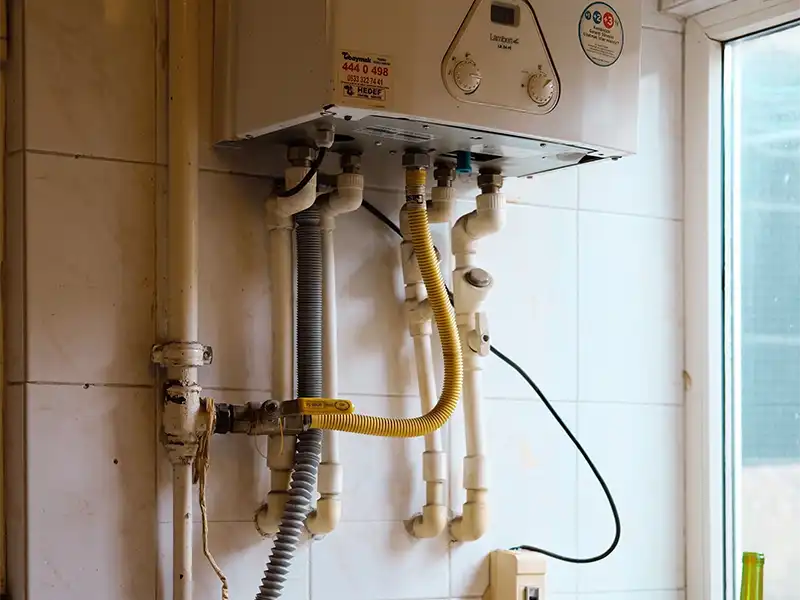
Explore the common causes of pressure loss and when it is safe to repressurise your boiler yourself.
Even better
Under each section, add a “View All” button that links to the corresponding category archive:
- View All Plumbing →
/category/plumbing/ - View All Electrical →
/category/electrical/ - View All Gas →
/category/gas/
That lets visitors browse every article in that category.
One question to make sure I guide you correctly:
When you say archive page, do you mean:
- Your custom Blog page that you’re building with Elementor (this is what I think you’re referring to), or
- The default WordPress category archive page (the page that opens when someone visits
/category/plumbing/)?
The setup is slightly different depending on which one you mean.

Option 3 (This is what I’d recommend for Homacord)
Use both.
- For normal blog posts like “Why Is My Tap Dripping?” or “How to Prevent Frozen Pipes,” use the WordPress editor. You can still use columns, images, lists, and galleries.
- For important pillar articles or premium guides that you really want to stand out, click Edit with Elementor and design them with more advanced layouts.
For example:
- ✅ 80% of your posts → WordPress editor
- ✅ 20% of your most important posts → Elementor
That gives you the best balance between design, speed, and ease of maintenance.
One thing I know about your project
You’ve told me you want Homacord to have a modern, premium look, similar to high-end home service companies. Because of that, I think you’ll enjoy designing some flagship articles in Elementor.
Can I ask one question?
Approximately how many blog posts do you plan to publish over the next year? Around 20, 50, or 100+? That will affect whether using Elementor for every post is practical